
Studio photos for every piece in your jewellery store
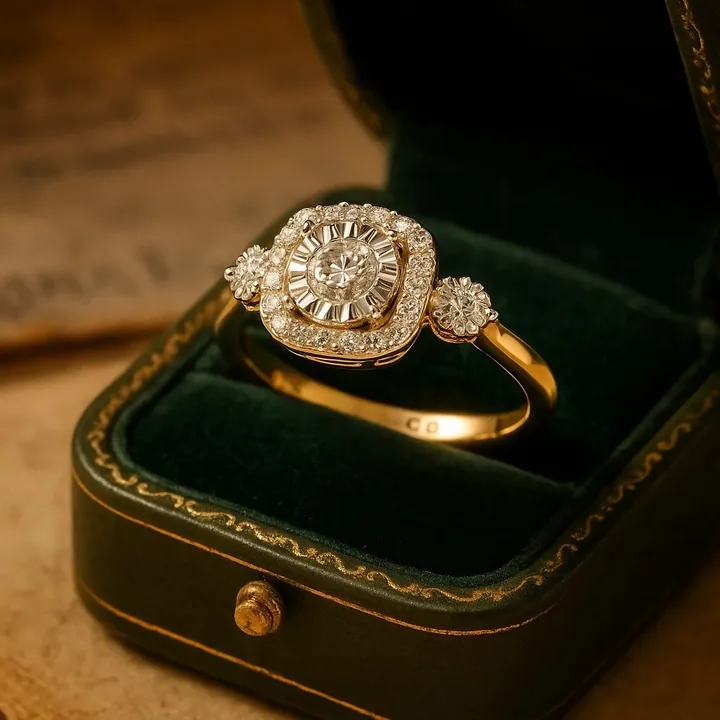
The challenges jewellery stores face
- Hundreds of SKUs. New stock arrives weekly. Booking a studio for every drop is slow and expensive.
- Inconsistent photos. Different suppliers, different photos. Your catalogue looks patchy.
- Marketplace and social needs. Every channel wants a different crop and style.
- Seasonal campaigns. Festive and gifting creatives are needed quickly each season.
A simple workflow for jewellery stores
- Photograph each new piece once on a plain background.
- Upload and pick a house style, such as white studio or velvet.
- Generate the formats you need: 1:1 for the store, 4:5 and 9:16 for social.
- Add your logo and a short title for campaign creatives.
- Reuse the same style across the catalogue for a consistent look.
What you get
| Benefit | Details |
|---|---|
| Consistency | One style across hundreds of products. |
| Speed | Seconds per image instead of days per batch. |
| Cost control | Predictable monthly credits instead of per-shoot quotes. |
| Branding | Your logo, title and subtitle on campaign creatives. |
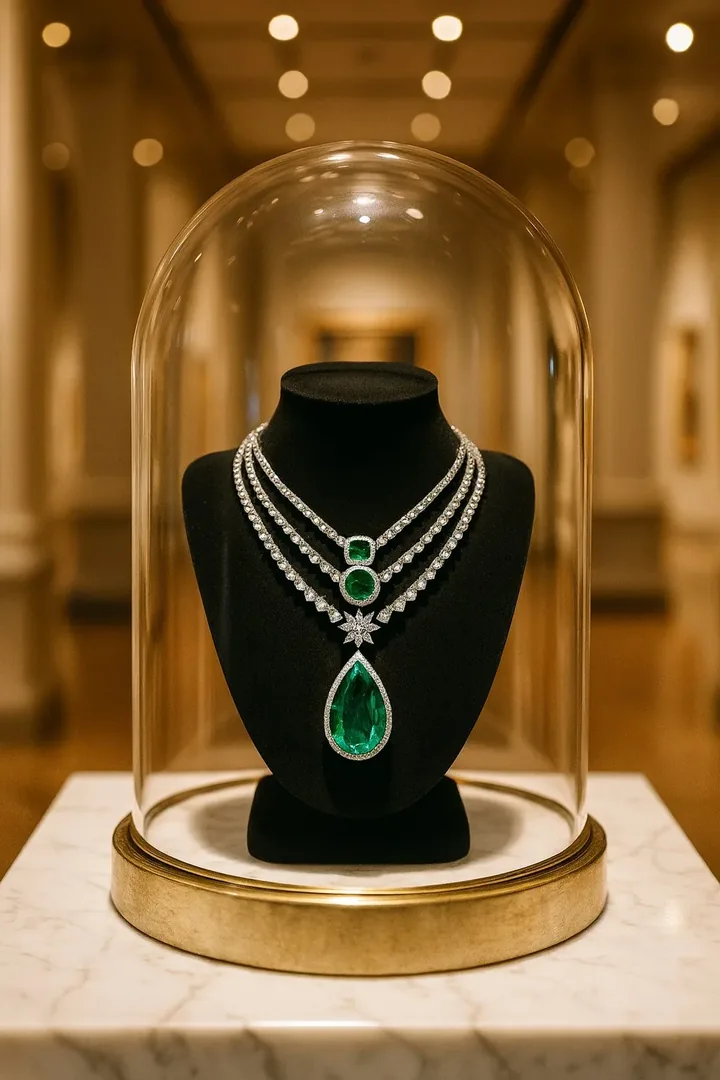
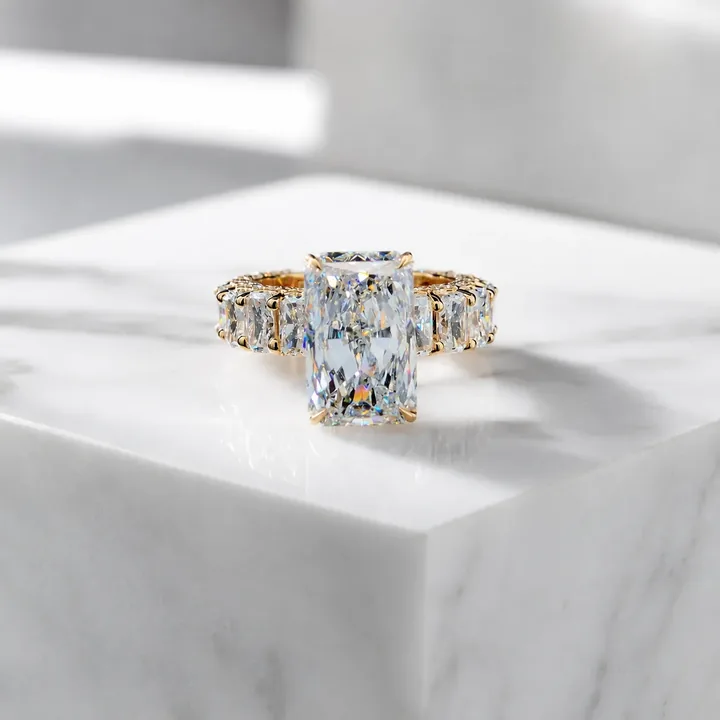
Styles that suit jewellery stores
Pricing in plain terms
The yearly plan is $59.99 a year for 30 credits a month, and the monthly plan is $14.99 for 40 credits a month. One credit is one generated image. Your first shoot is a free watermarked preview. See the FAQ or try the cost calculator with your own numbers.
Frequently asked questions
Can a jewellery store use AI product photos on its website?
Yes, for images of products you sell. Make sure the image accurately represents the real item, and follow your platform's guidelines on imagery.
How many products can I photograph per month?
Credits are per generated image. Monthly gives 40 credits per month and yearly gives 30 credits per month, with top-up packs when you need more.
Will the images match my real products?
The app is built to preserve your piece, but you should always check stones, settings and chains against the real item before publishing.