
Earring photography with perfect symmetry
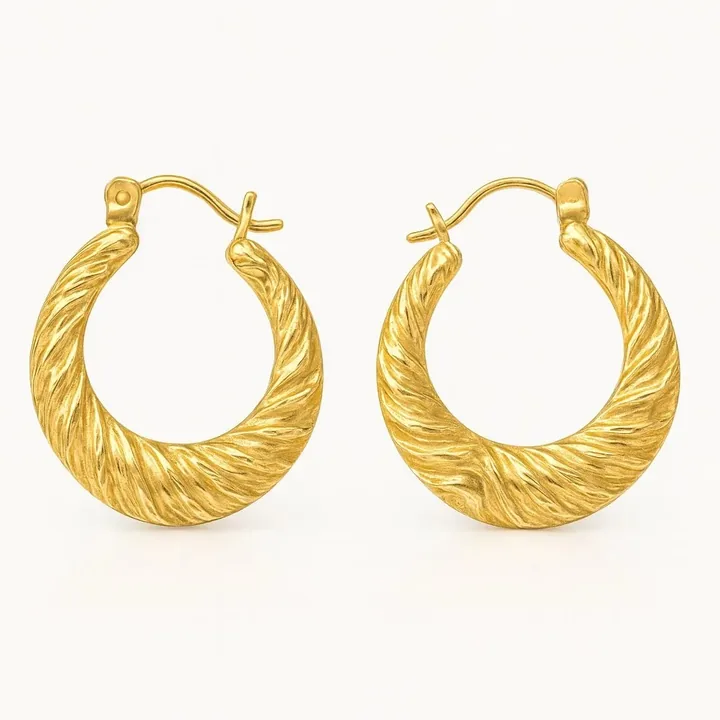
What makes earrings hard to photograph
- Pairs must match. Slightly different angles make a pair look uneven. Mirror them and keep the same distance.
- Studs vs drops vs hoops. Each type needs a different pose: studs lie flat, drops hang, hoops stand up.
- Scale on the ear. Earrings appear tiny alone. Buyers need to see how big they are on an ear.
- Reflection of the stand. Hanging earrings often mirror the stand or your hands.
How to photograph earrings: step by step
- Use a white card base with a slight curve or foam with slits to stand hoops upright.
- Photograph one earring close-up and the pair full view.
- Keep both earrings the same height and distance from the lens.
- Add an ear or on-model image to communicate size.
- Use square crops for catalogue grids and 4:5 for Instagram.
Best styles for earrings
These looks suit earrings well. Each is available in Jewellery Photoshoot and generated from your own photo:
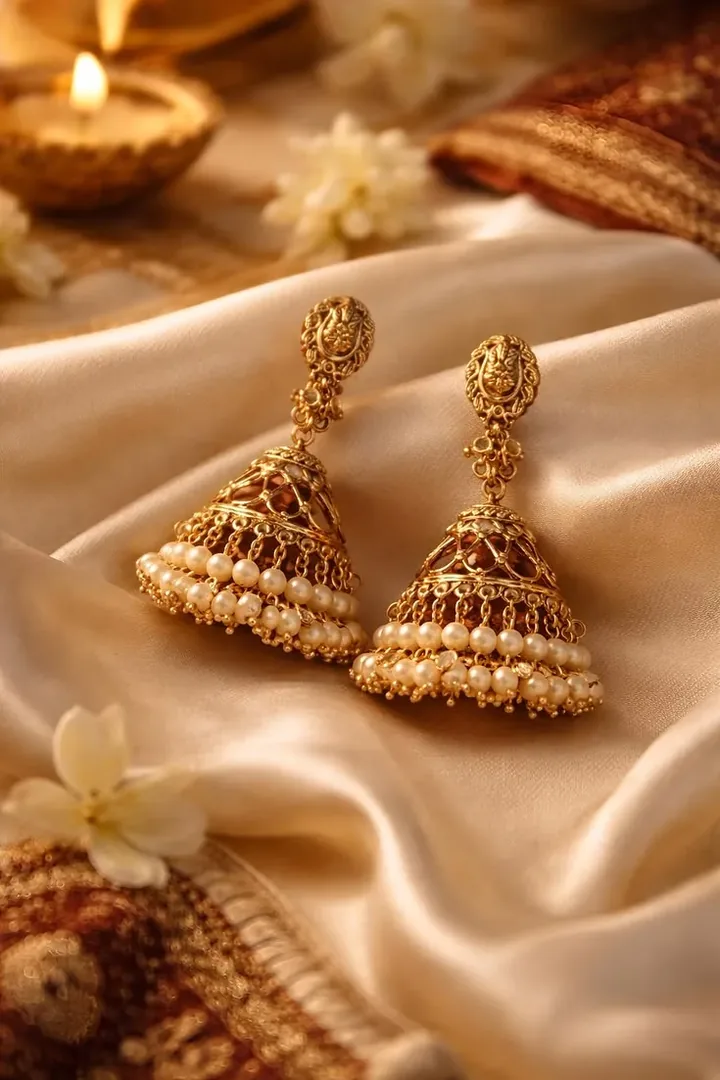
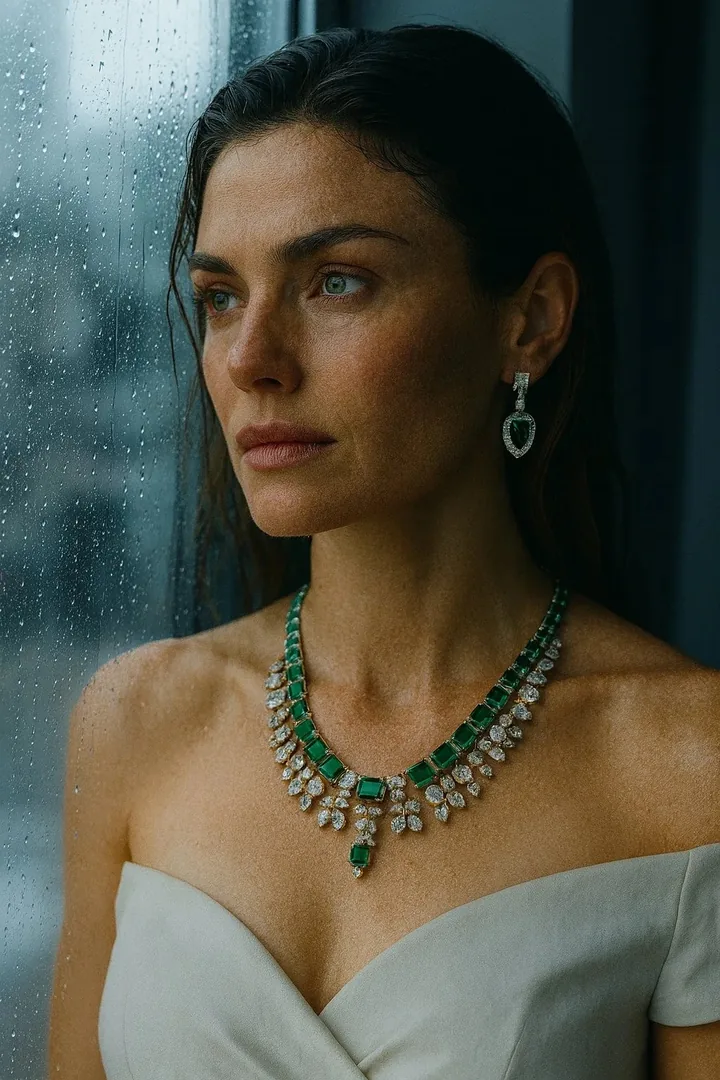
Best image formats for earrings
| Ratio | Best for |
|---|---|
| 1:1 | Catalogue and marketplace |
| 4:5 | Instagram feed |
| 9:16 | Reels showing movement |
Need exact pixel sizes? Use the free photo size guide.
Create earrings photos with Jewellery Photoshoot
Upload one clear phone photo and pick a style. In about 20 seconds you get studio, on-model and campaign images, in square, 4:5, 9:16 or 3:2. Your design is kept as photographed, and your first shoot is a free watermarked preview.
Earrings photography FAQ
How do I make earrings look symmetrical in photos?
Place them mirrored at the same height and distance, and check against a centre line in your editor. Use the same lighting direction for both.
How do I photograph hoop earrings?
Stand them in foam or wax, or lay them flat on a white surface and shoot from above. A thin black card can define the edges of gold hoops.
Can AI show my earrings on a model's ear?
Yes, with on-model styles. Check the size, shape and drop length against your real earrings before you publish.